How to create quotes
HealthTrack lets you create quotes directly from the Diary and link them to a booking. Once a quote is linked, it can be reviewed at any time from the Diary. When you close the booking, the quote details load automatically into the invoice screen.
Create a Quote
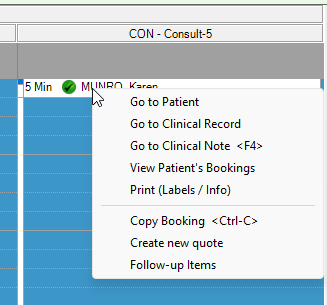
1. In the Diary, right-click the booking you want to quote.
A quote can also be created via Accounts > Create Quote. If using this method, please make sure to manually populate the required booking details via the Find Booking button.
2. Select Create new quote from the menu.
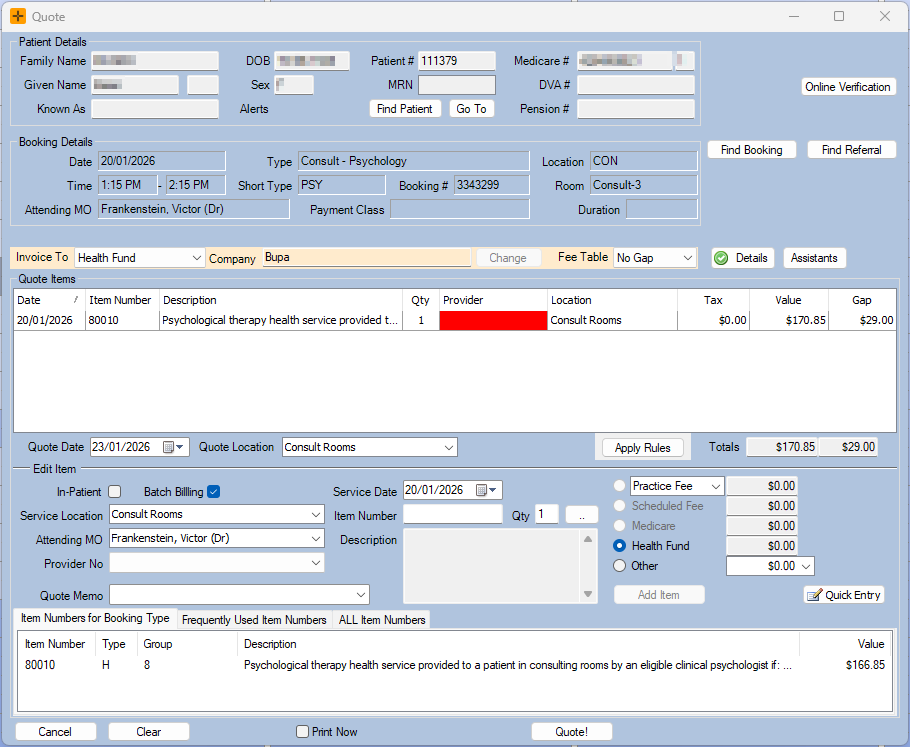
- Enter required details in the Quote screen and select Quote!
Review an existing quote
Once a quote is linked to a booking, you can view it at any time.
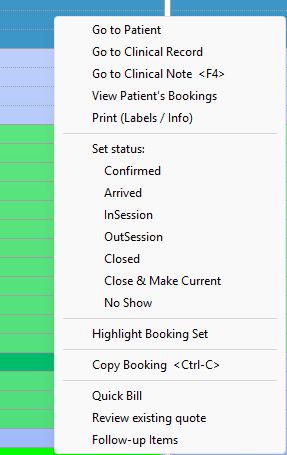
- In the Diary, right-click the booking.
- Select Review existing quote from the menu.
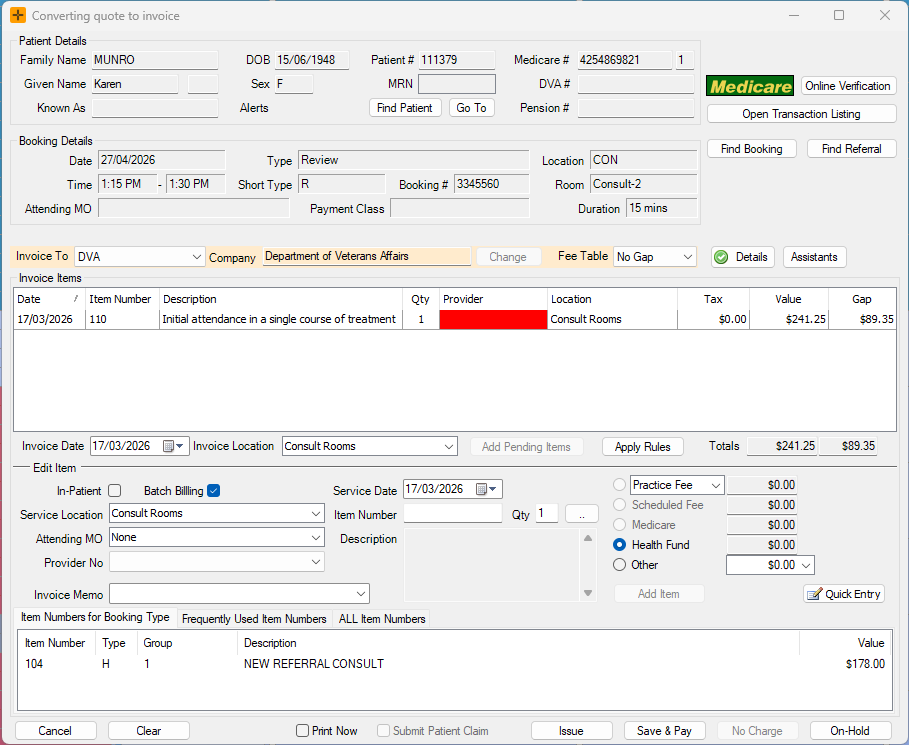
Close a booking with a linked quote
When you close a booking that has a linked quote, the quote details are automatically loaded into the invoice screen so you do not need to re-enter the items manually.