
How to see your recently viewed patients
Recently viewed patients can be easily accessed in HealthTrack. The most recently opened patients are automatically grouped into a Worklist, which is displayed on the left-hand side of the screen.
There are different ways to view recent patients:
- Navigate to Edit > Recent Patients.
- Shortcut: select
F8
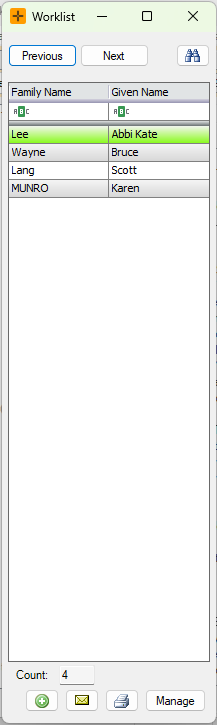
For more details on using Worklists, review our article: Overview of Patient Worklists.
The Recent Patients list is held in memory for your current session. It keeps the last 100 patients you have opened on this computer and it is not saved. Closing or restarting HealthTrack clears the list, so it starts empty next time you open the program. This is normal, not a fault. The list is tied to your current session on the computer rather than to your user login, so it does not follow you to another computer.