
How to disable SMS reminders for a Booking
SMS reminders can be disabled on an individual booking basis when required. For example, reminders may be disabled if an appointment is to be rescheduled during the scheduled reminder time frame, or where communication for that booking will be managed manually.
First, for instructions on making a booking for a patient, review our How to make a booking article.
- Open the booking form for the patient. This can be done by:
- Opening the Diary (Shortcut:
Ctrl + D). - Selecting the Booking in the 'Bookings' tab.
- Opening the Diary (Shortcut:
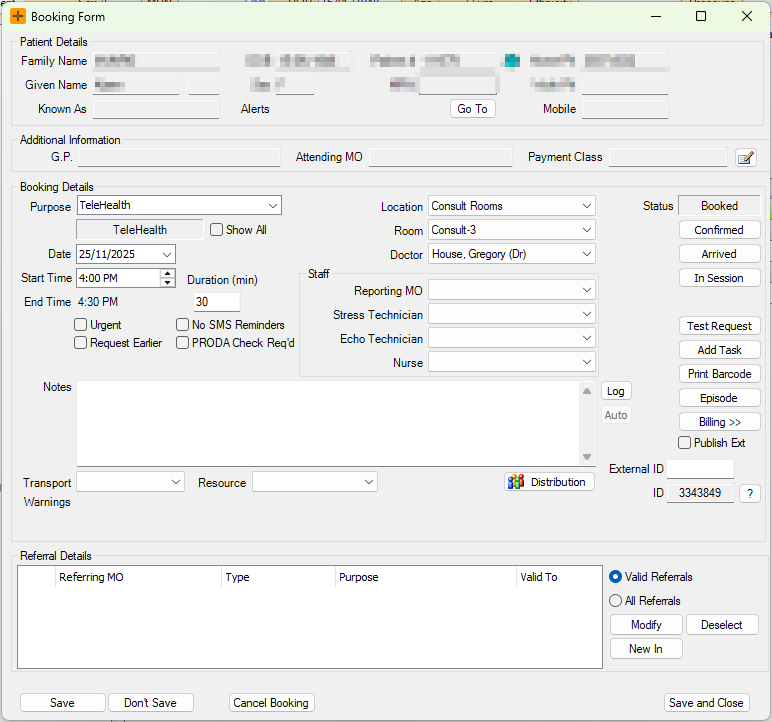
- Tick the 'No SMS Reminders' check-box.
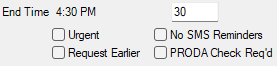
SMS reminders will now be disabled from sending for the selected booking for this patient.