
How to Activate your Scribe Trial
HealthTrack Scribe provides AI-powered ambient listening and live dictation, built directly into HealthTrack. Activate the free trial from HealthTrack Online to start using Scribe in your consultations.
Activate the trial
- Open a patient record in HealthTrack Desktop and click HealthTrack Online (above the patient's Given Name field). The HealthTrack Online screen will open in a new window.
- In the HealthTrack Online window, click the microphone icon at the top right of the screen.

- The Welcome to HealthTrack Online tour opens. Click Take the Tour.
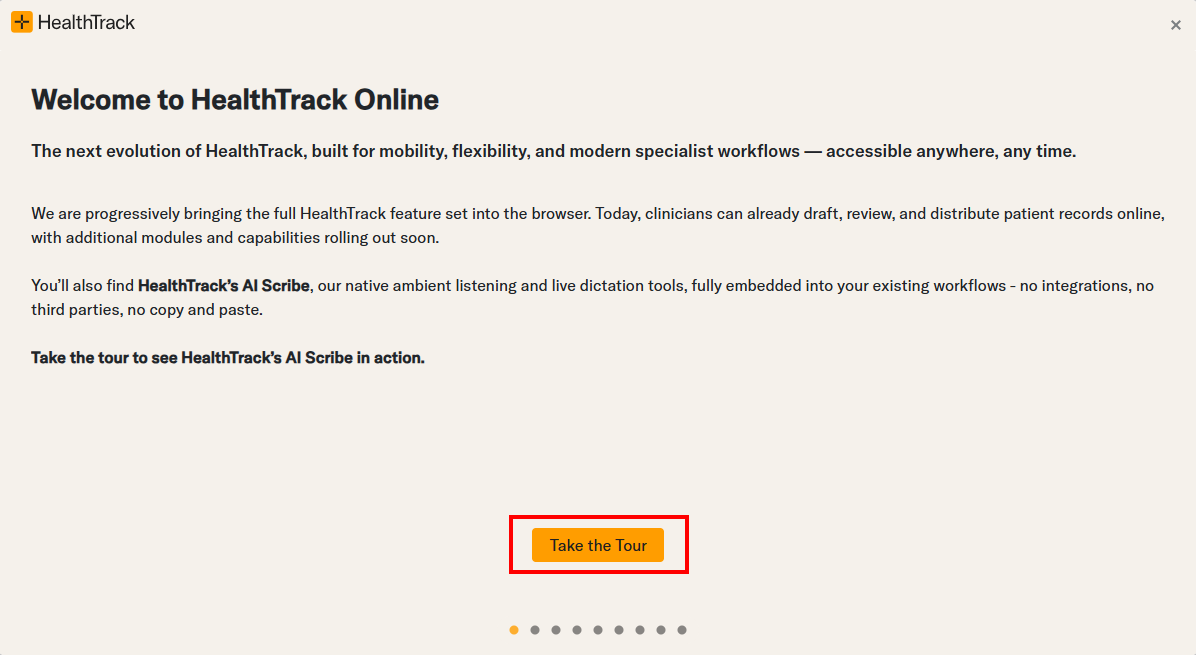
- Step through the tour by clicking Next at the bottom right of each slide until you reach the final slide.
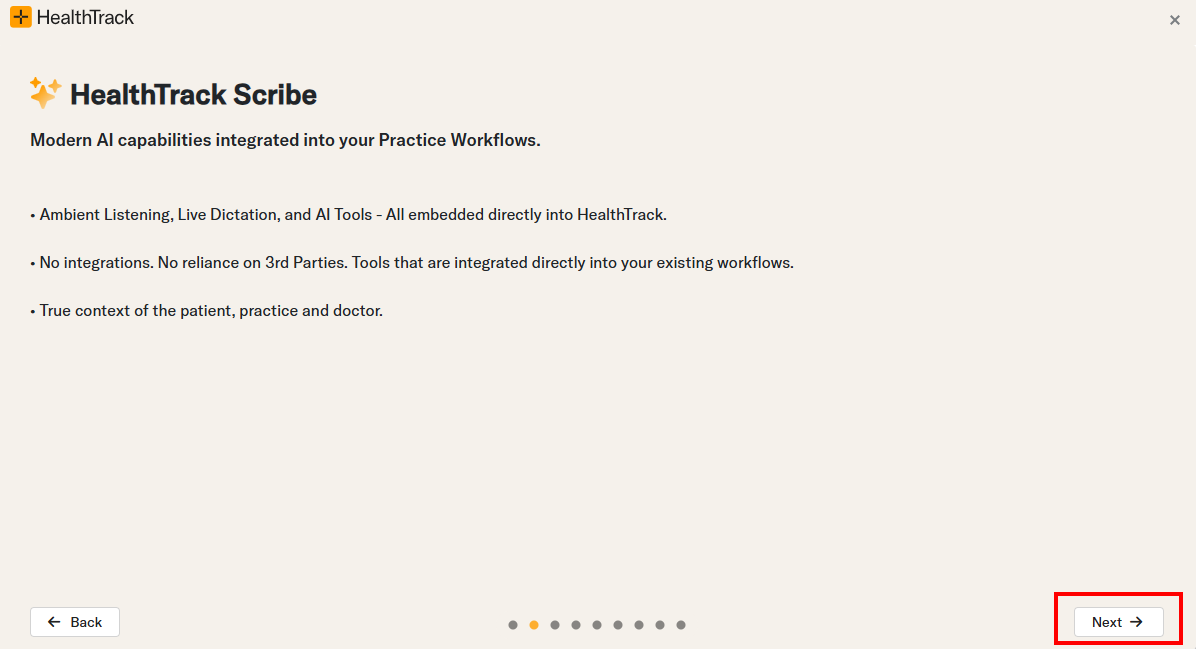
- On the final slide, click Start Trial.
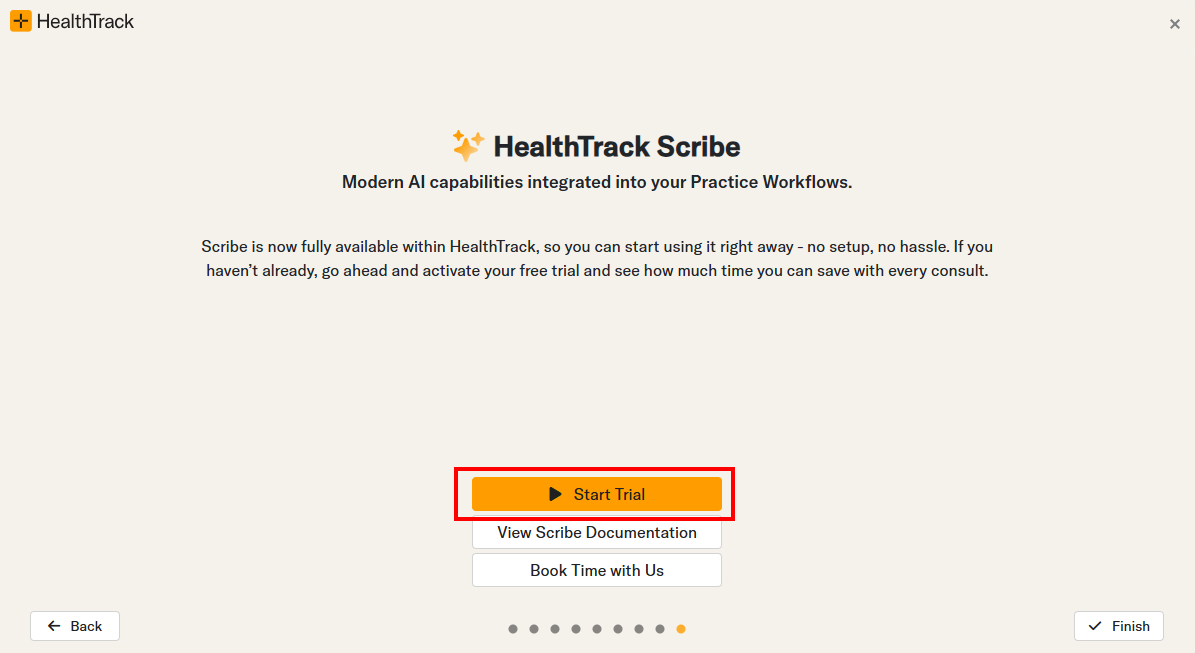
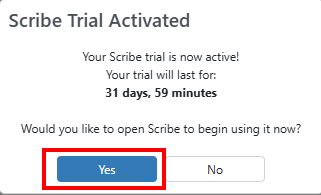
- A confirmation dialog appears showing your trial duration. Click Yes to open Scribe.
- Follow the on-screen prompts to connect your microphone. Scribe is now ready to use.
You can also access the Scribe tour and trial activation at any time by clicking the microphone icon in HealthTrack Online.
The trial runs for 31 days from the date you activate it. Once it expires, contact HealthTrack to continue using Scribe.